Level Select
Terminology
Chapter Select:
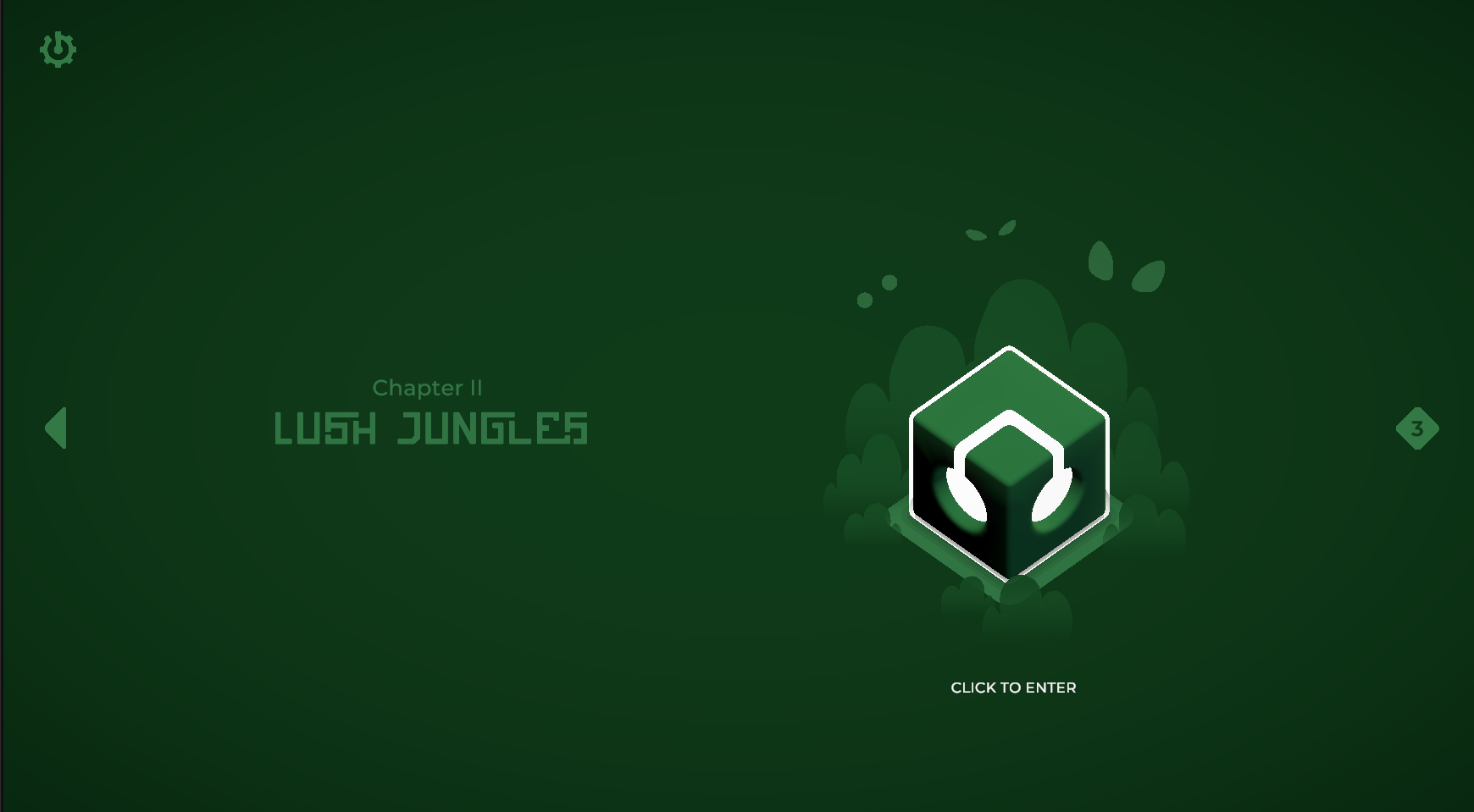
The Chapter Select is the primary navigation screen where players browse and choose from the game’s available chapters. Each chapter represents a themed collection of levels and music. Players can freely scroll through chapters they have unlocked; a chapter becomes available only after all its normal levels in the previous chapter have been successfully completed. This ensures a linear but flexible progression structure where players always have a clear sense of advancement.
Level select:
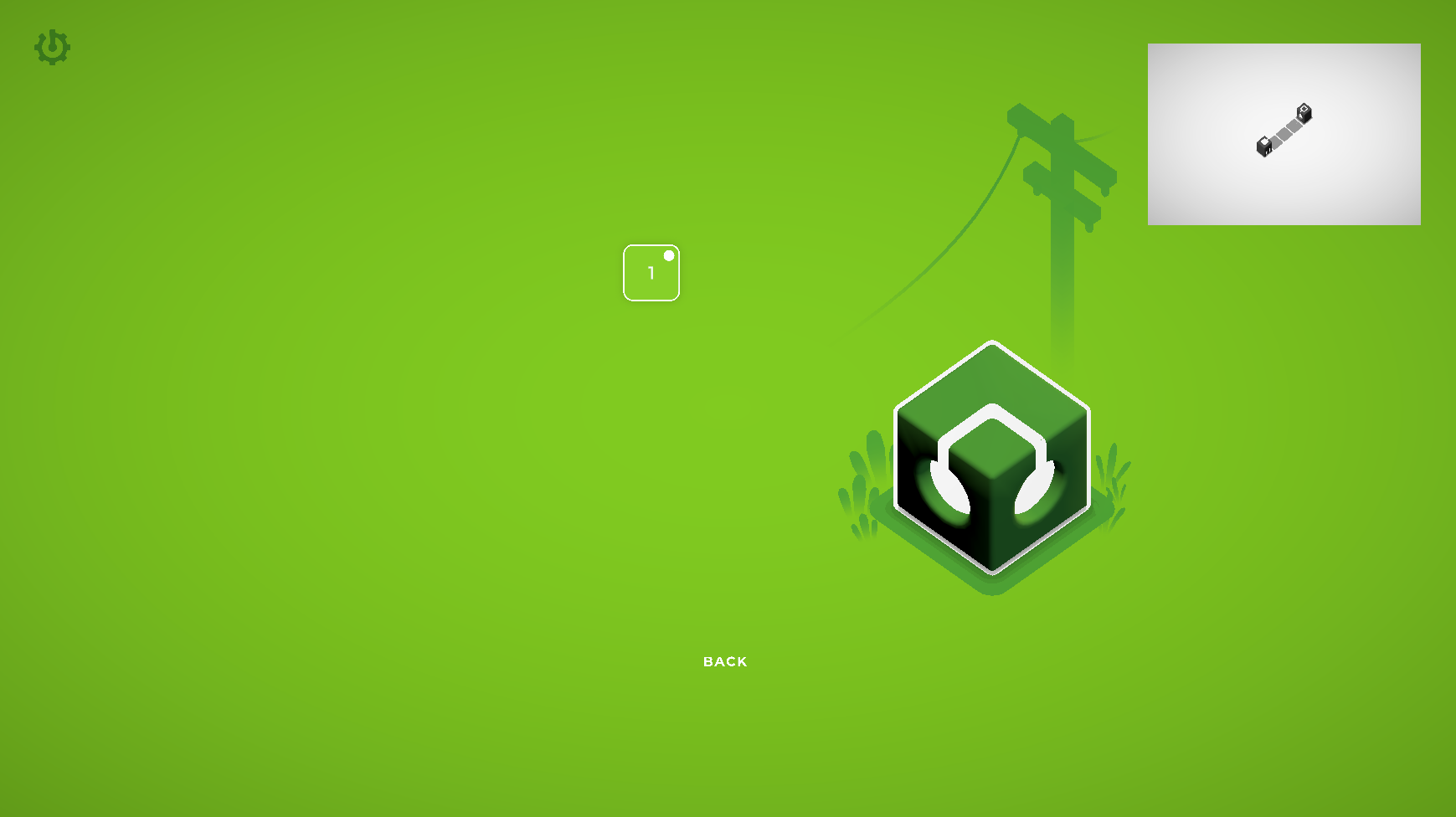
The Level Select screen appears after the player enters a chapter. It contains all the playable levels associated with that chapter, typically presented as a series of interactive buttons or nodes. From here, the player chooses a specific normal or icy level to play. Completing these levels progresses the chapter, unlocks subsequent levels, and may even unlock subsequent chapters depending on overall progression.
Tapping on a Level
When the player taps a level on the Level Select screen, the game determines what action to take based on that level’s state.
-
Locked levels: Tapping a locked level has no effect. We may optionally play a keypad-style “denied” jingle, but this behaviour is still under consideration.
-
Previously selected levels: If the tapped level is already selected (indicated by a filled circle in the UI), tapping it again will immediately begin the level.
-
Unlocked but unselected levels: Tapping an unlocked level that is not currently selected will mark it as the new selection, unmark the previously selected level, and update the level preview panel accordingly.
Additionally, if the tapped level is the first normal or icy level the player is entering within this chapter, the game must play the corresponding Narrative Sequence before gameplay begins.
The flowchart below visualizes this interaction logic:
---
config:
  theme: redux
  layout: dagre
---
flowchart TB
    A(["Tapping on a level"]) --> B{"Is the level locked?"}
    B --- yes(["yes"]) & no(["no"])
    yes ---> C["Do nothing"]
    no ---> D{"Is the level selected?"}
    D --- yess(["yes"]) & nope(["no"])
    nope --> n2["Unmark previously selected level"]
    n2 --> n3["Mark tapped level as selected"]
    n3 --> n4["Update level preview"]
    yess --> n5{"First Level
    (Icy or otherwise)?"}
    n5 --> n6(["yes"]) & n7(["No"])
    n7 --> n8["Play the selected level"]
    n6 --> n9["Play Narrative Sequence"]
    n9 --> n8
    n3@{ shape: rect}
    style yes fill:transparent,stroke-width:4px,stroke-dasharray: 0,stroke:#00C853
    style no fill:transparent,stroke-width:4px,stroke-dasharray: 0,stroke:#D50000
    style yess fill:transparent,stroke-width:4px,stroke-dasharray: 0,stroke:#00C853
    style nope fill:transparent,stroke-width:4px,stroke-dasharray: 0,stroke:#D50000
    style n6 stroke-width:4px,stroke-dasharray: 0,fill:transparent,stroke:#00C853
style n7 stroke-width:4px,stroke-dasharray: 0,fill:transparent,stroke:#D50000Narrative Sequence
Narrative sequences are used to deliver story content at specific milestones within a chapter. They are triggered when the player enters the chapter’s first normal or icy level, and again upon completing the final normal or icy level. Therefore, in a typical chapter there will be four distinct narrative sequences. The flowchart below illustrates the standard behaviour of a narrative sequence.
---
config:
  theme: redux
  layout: dagre
---
flowchart TB
    A(["Play Narrative Sequence"]) --> B["Fade to narrative scene"]
    B --> C{"Sequence Played Before?"}
    C --- yes(["yes"]) & no(["no"])
    yes --> D["Show skip button"]
    D --> E["Wait user input..."]
    no ---> E
    adv["Advance Dialogue"] L_adv_E_0@--> E
    E L_E_n1_0@--> n1{"Action?"}
    n1 L_n1_tap_0@--> tap(["Tap screen"]) & con["Tap skip button"]
    con --> fin["Fade out narrative"]
    tap L_tap_dialoguemore_0@--> dialoguemore{"More Dialogue?"}
    dialoguemore L_dialoguemore_yes1_0@--> yes1(["yes"]) & no1(["no"])
    yes1 L_yes1_adv_0@--> adv
    no1 --> fin
    con@{ shape: rounded}
    classDef Rose stroke-width:1px, stroke-dasharray:none, stroke:#FF5978, fill:#FFDFE5, color:#8E2236
    style yes stroke:#00C853,stroke-width:4px,stroke-dasharray: 0,fill:transparent
    style no stroke:#D50000,fill:transparent,stroke-width:4px,stroke-dasharray: 0
    style tap stroke-width:4px,stroke-dasharray: 0,stroke:#FFE0B2
    style con stroke-width:4px,stroke-dasharray: 0,stroke:#BBDEFB
    style yes1 stroke-width:4px,stroke-dasharray: 0,stroke:#00C853
    style no1 stroke-width:4px,stroke-dasharray: 0,stroke:#D50000
    L_adv_E_0@{ animation: slow }
    L_E_n1_0@{ animation: slow }
    L_n1_tap_0@{ animation: slow }
    L_tap_dialoguemore_0@{ animation: slow }
    L_dialoguemore_yes1_0@{ animation: slow }
L_yes1_adv_0@{ animation: slow }Winning a level
A level is considered won when the final receiver successfully obtains a signal and its associated animation and sound effects have fully played. Once victory is confirmed, the game determines whether the level is the final normal or icy level within the current chapter.
If it is the final level, winning will trigger a Narrative Sequence before returning the player to the Chapter Select screen. If it is not the final level, the game will smoothly transition into the next level to maintain player flow.
After returning to Chapter Select, the game provides chapter-completion feedback based on the type of level completed:
-
Normal Level Completion: Unlocks the next chapter. This is visually reinforced with an unlock animation on the chapter lock icon.
-
Icy Level Completion: Indicates that the current chapter has been fully completed. The exact presentation is still being explored, but may feature a unique “chapter perfected” animation or effect.
The flowchart below visualizes this logic:
---
config:
  theme: redux
  layout: dagre
---
flowchart TB
    A(["Level Won"]) --> B{"Last Level
    (Icy or otherwise)?"}
    B --- yes(["yes"]) & no(["no"])
    yes ---> C["Play Narrative Sequence"]
    no ---> D["Transition to next level"]
    C --> CS["Fade to Chapter Select"]
    CS --> LT{"Level Type"}
    LT --- Normal(["Normal"]) & Icy(["Icy"])
    Normal ---> Un["Play unlock animation"]
    Icy ---> Fin@{ label: "Add some sort of \n    'perfected chapter' indication" }
    Fin@{ shape: rect}
    style yes fill:transparent,stroke:#00C853,stroke-width:4px,stroke-dasharray: 0
    style no stroke-width:4px,stroke-dasharray: 0,fill:transparent,stroke:#D50000
    style Normal fill:transparent,stroke:#FFD600,stroke-width:4px,stroke-dasharray: 0
style Icy stroke:#2962FF,stroke-width:4px,stroke-dasharray: 0,fill:transparentAppendix A — Level Select Meeting Recording
This page was developed based on design clarifications discussed in a meeting with Ansaar. The recording can be viewed here: